Summary
Consultants can use scheduling links for much more than booking meetings: separate links can help them protect different types of time, package paid services, automate client communication, and route work when their own calendar is full.
Scheduling links or a booking page often start as a simple way to cut down on email back-and-forth. But if you maximize the way you use them, you can do more than protect your time and work more efficiently. You can grow your business and reach more clients.
For this article, we spoke with Maya, an independent marketing consultant, about how she uses CalendarBridge scheduling links and schedulers in her day-to-day work. The five smarter ways below draw from her experience organizing her time, structuring different services, monetizing her expertise, automating client communication, and expanding her capacity.
1. Set different availability rules for different kinds of time
Maya manages her consulting work across several calendars, which makes it important to avoid double-booking across multiple calendars without treating every calendar event as unavailable time.
Anything on her main consulting calendar blocks that time completely. Her personal calendar works differently: events after 6:00 p.m. block availability, while daytime entries are usually reminders and stay free unless they represent a real commitment, like a vet appointment. One part-time client also requires her to use a shared calendar. Meetings on that calendar block availability, but focus time stays open for prospects using her consultation link.
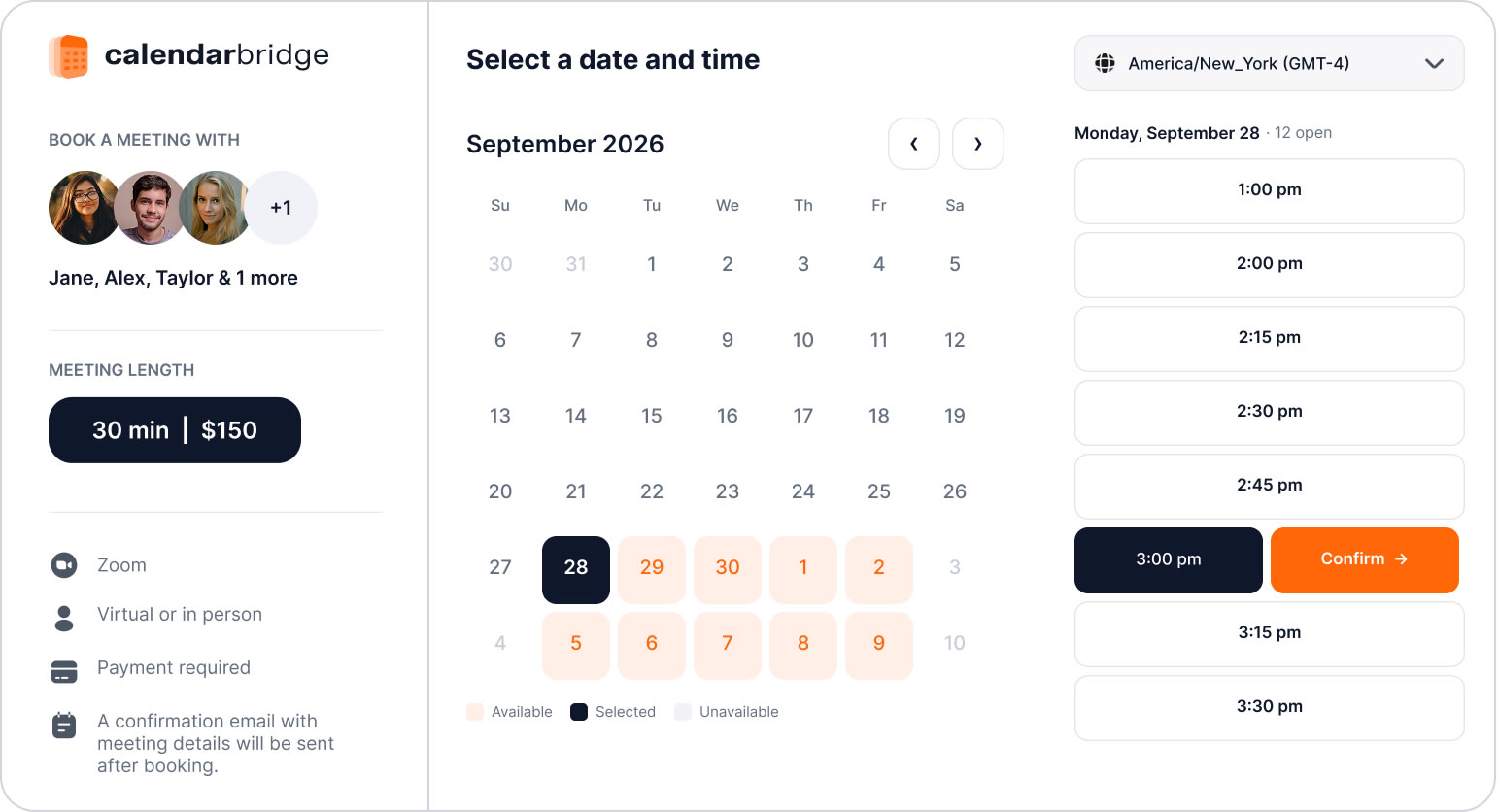
CalendarBridge gives Maya granular control over those rules. She can sync some calendars while keeping others separate, decide whether events marked free or busy affect availability, limit when a calendar matters to specific hours, and give each scheduling link its own meeting length, buffers, booking window, and availability rules.
That means her prospect link can follow one set of rules while a client link follows another, even though both are working from the same underlying calendars.
That also means Maya does not need one scheduling link to handle every kind of work. Different services can have different booking experiences altogether.
2. Use more than one booking link for more than one reason
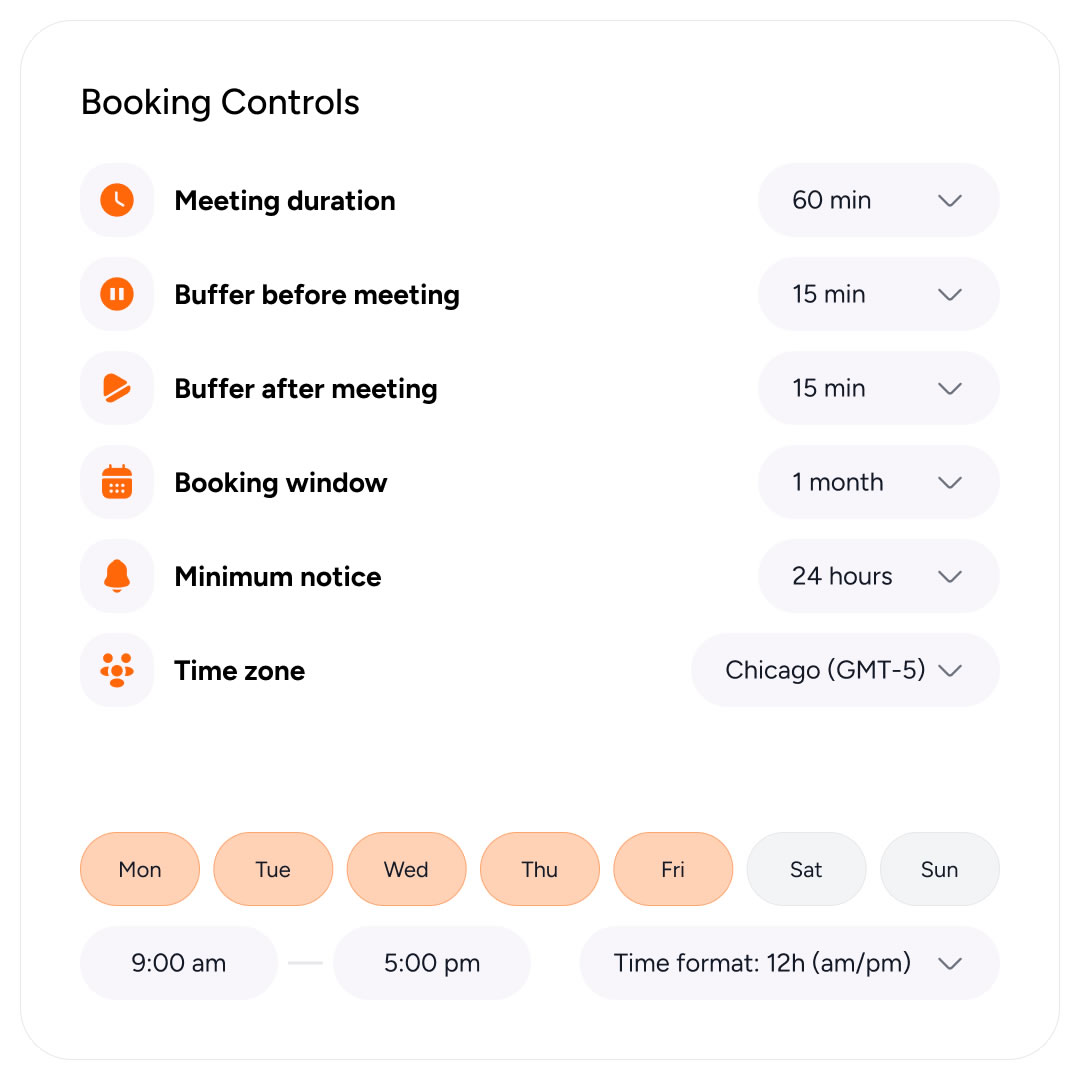
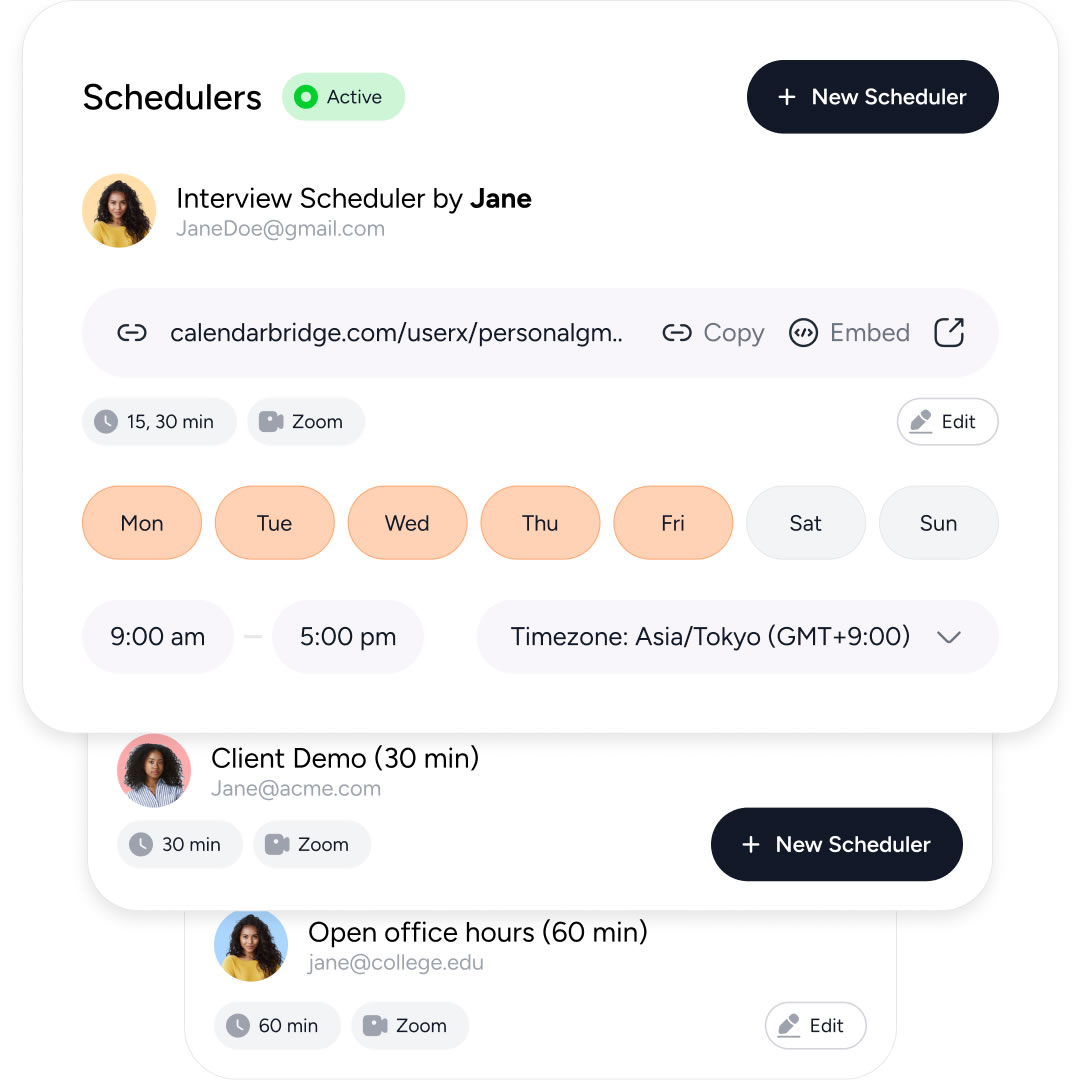
CalendarBridge lets Maya create separate scheduling links with different rules, and each link can check up to six additional calendars before offering a time.
Her prospect link checks her main consulting calendar, personal calendar, and client-required calendar, then offers only the 20-minute windows she has opened for new leads. Her existing clients get a separate link for 30-minute strategy calls during the hours she reserves for client work.
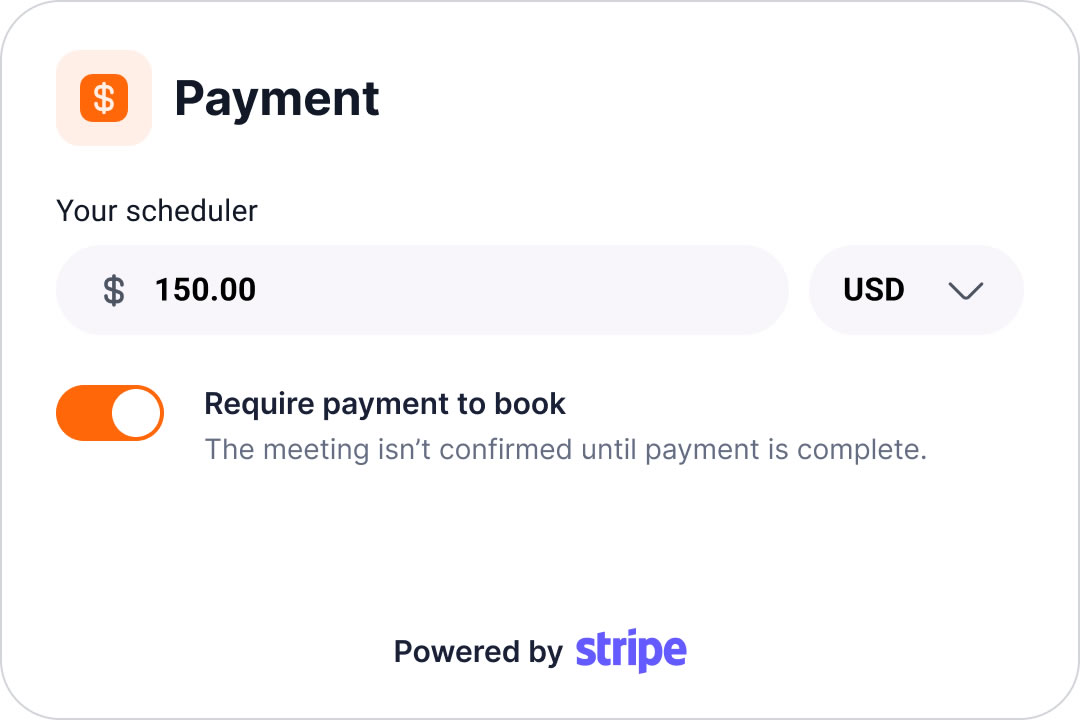
Her paid consultation link is different again. Maya defines when those sessions can be booked, how long they last, what they cost, and whether payment is required to confirm the appointment.
Different scheduling links let Maya grow each part of the business without forcing every kind of work into the same booking experience.
> Learn more about CalendarBridge Schedulers in our help center.
3. Stop letting valuable expertise become a free “quick call”
Maya occasionally gets emails asking if someone can “pick her brain.” A paid scheduling link turns that into a defined service instead of an informal favor.
She can keep introductory calls free while charging for one-hour strategy sessions, with the price shown before anyone books. If she offers different meeting lengths, she can price those differently too.
So “quick question” stops being code for “free consulting.”
4. Build the repetitive client communication into the booking
Once Maya has several types of meetings, the communication around them starts to matter too.
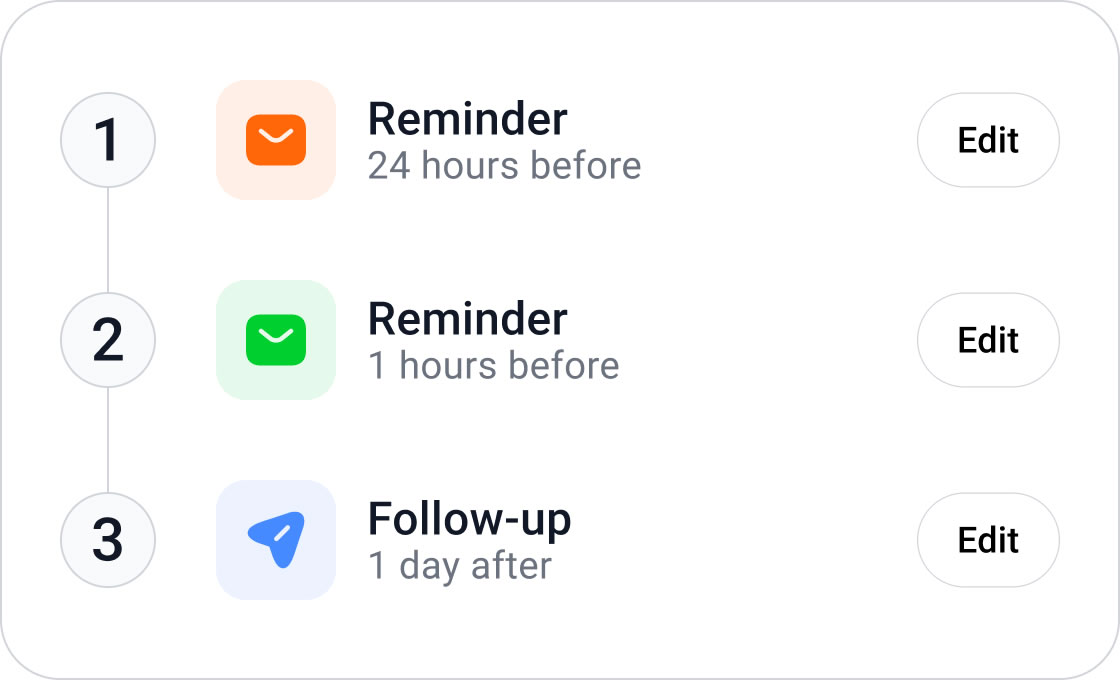
Before a prospect call, CalendarBridge sends an automated reminder asking the person to come prepared with their website, current marketing goals, and the problem they want to discuss. After the call, Maya’s follow-up sends the next step automatically, whether that is a resource she promised or the link to book a paid strategy session.
Her paid consultation follows a different workflow. The reminder focuses on what Maya needs to make the session productive, and the follow-up reflects what should happen after a paid engagement.
That means Maya is not recreating the same emails after every booking or relying on herself to remember what each type of meeting needs. The communication becomes part of the service instead of another task surrounding it.
5. Turn overflow demand into more capacity
By this point, Maya has organized her availability, created separate booking paths, turned more of her expertise into paid work, and automated the communication around it. Now she has a better problem: more qualified demand than she can personally handle.
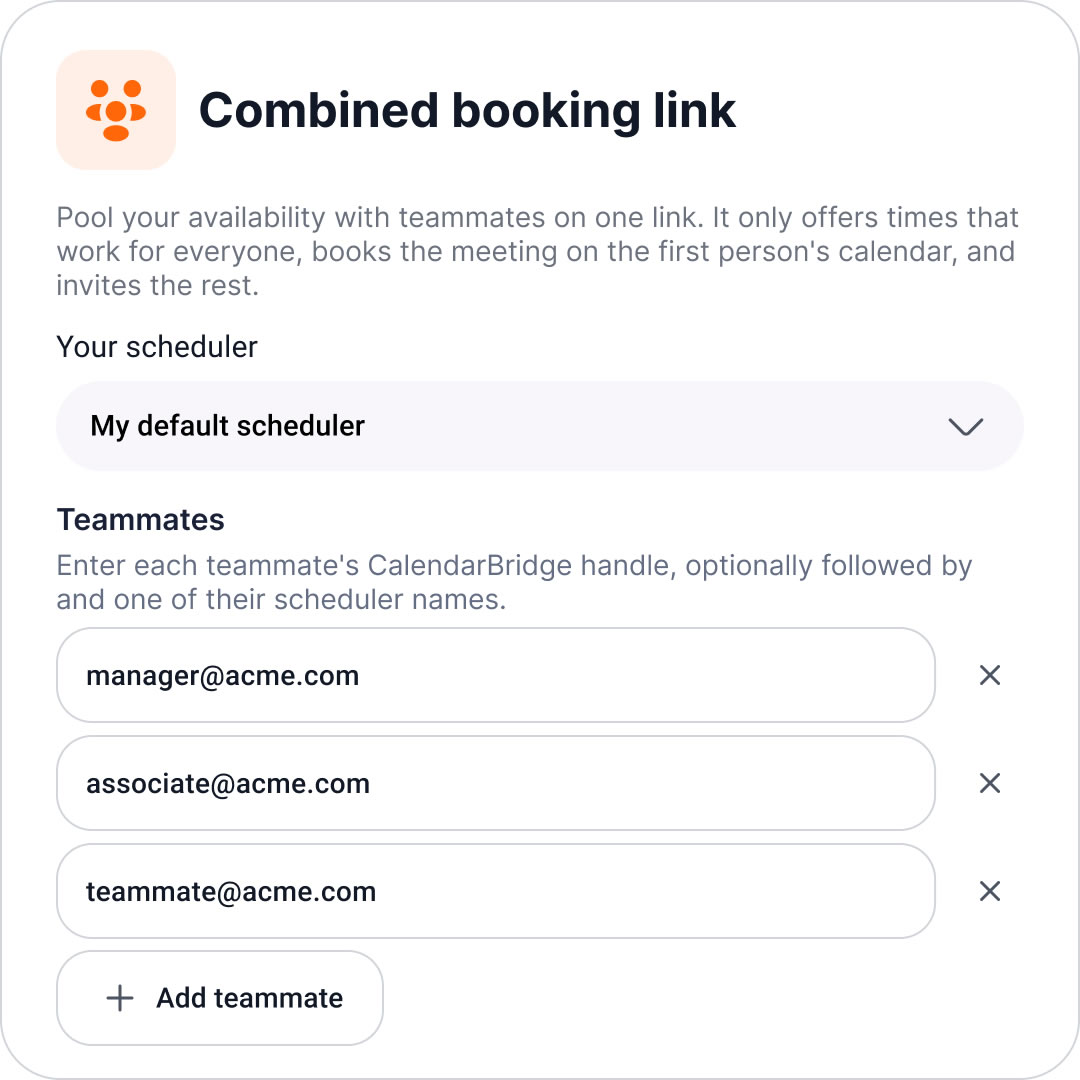
Instead of sending those prospects away, she uses a CalendarBridge combined booking link that always checks her availability first. If Maya has time, she gets the booking. If she does not, the link offers another consultant she refers the work to.
That lets Maya keep her own calendar prioritized, profit from referrals, and take advantage of demand that would otherwise disappear once her schedule fills up.
A scheduling link can become part of how the business runs
Maya started by trying to organize a complicated calendar. She ended up with a system that helps her protect her time, sell her expertise, automate repetitive work, and keep earning even when her own calendar is full.
That is the real opportunity for consultants. A scheduling link can do more than make booking easier. Used well, it can help structure the business around the way you want to work and the way you want to grow.
> Learn more about CalendarBridge for Consultants and Advisors.

Frequently Asked Questions
Consultants can use scheduling links to manage availability across multiple calendars, create different booking experiences for different services, collect payment for consultations, automate reminders and follow-ups, and route overflow demand to other consultants when their own schedule is full.
Yes. Consultants can create separate scheduling links with different rules for each type of meeting or service. For example, one link can be used for short prospect calls, another for existing-client meetings, and another for paid consultations with its own duration, availability, and pricing.
Yes. CalendarBridge scheduling links can check multiple calendars before offering a time, helping consultants account for commitments across work, personal, and client calendars. In Maya’s case, each link can check up to six additional calendars before displaying available times.
Yes. Consultants can create paid scheduling links and require payment to confirm a booking. This makes it possible to keep introductory calls free while charging for services such as longer strategy sessions or consultations.
Yes. CalendarBridge can send reminders before a meeting and follow-up messages afterward. Consultants can tailor those communications to the type of appointment, such as asking a prospect to prepare specific information before a call or automatically sending next steps after the meeting.
Yes. A combined booking link can check the consultant’s availability first and offer another consultant when the original consultant is unavailable. This gives consultants a way to handle more qualified demand without simply turning prospects away.