Accept Online Bookings with Payment
Let Clients Book and Pay for Appointments in One Step
Make it easy for clients to choose a time and pay when they book meetings. Spend less time coordinating appointments and collecting payments and more time doing what you do best.
No Credit Card Required.

Paid Consultations
Advisory Calls
Coaching Sessions
Private Lessons
Paid Demos & Training
Your Time Is Booked. Your Payment Should Be, Too.
A booked appointment shouldn’t mean another invoice to send. Let clients schedule online through your booking calendar and pay in one easy workflow.
Collect Payment Before You Meet
Clients complete payment before the meeting is added to your calendar. Start each paid session with payment already handled.
Set Prices for Different Sessions
Set a price for each meeting length, from a quick consultation to an extended coaching session.
Make Payment Optional
Offer a free introductory call alongside paid appointments. Turn payments on for the scheduling links you choose.
- Booking and Payment
Get Paid When Clients Book
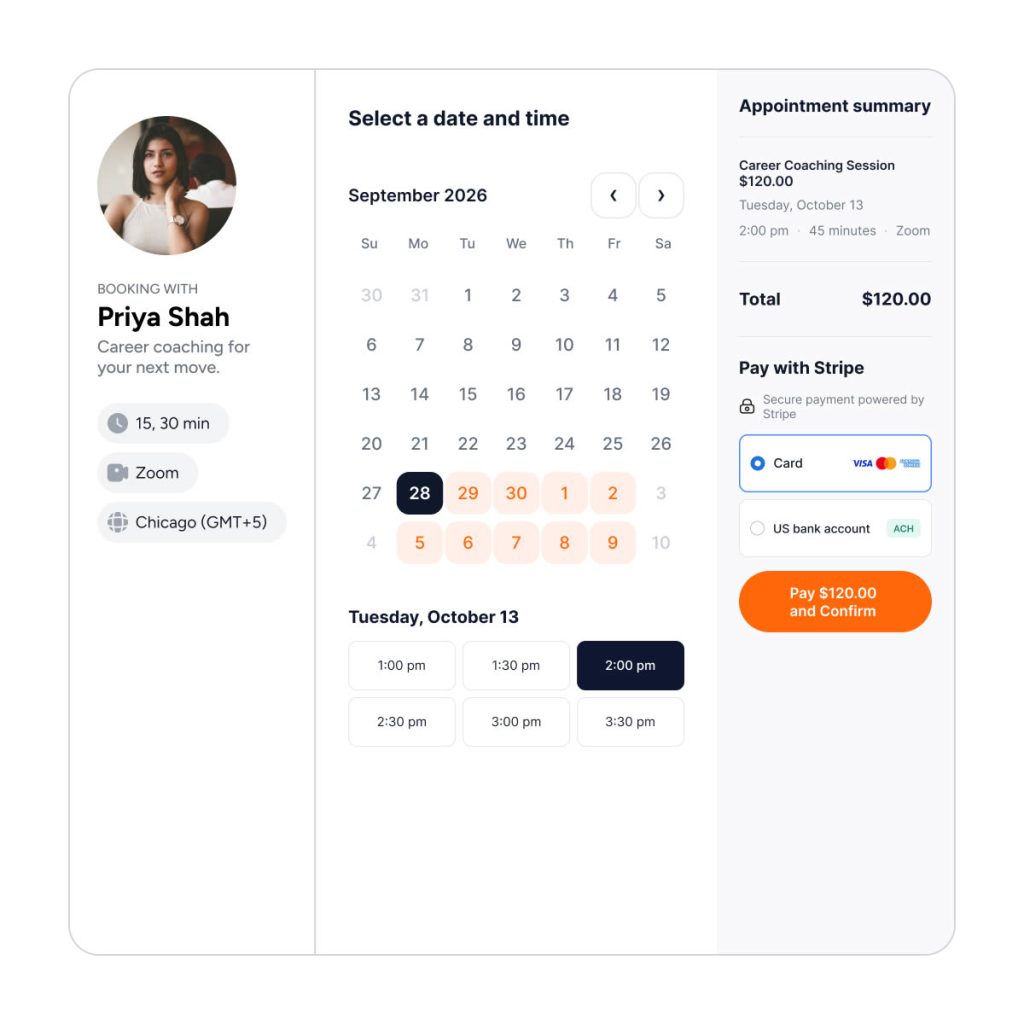
Give clients a straightforward way to book your time. They select an available appointment, see the price, and continue to secure Stripe checkout.
Once payment succeeds, CalendarBridge creates the meeting and sends the invitation. Your client finishes booking, and you have a paid appointment on your calendar.
- Pricing and Cancellations
Set Your Own Appointment Prices
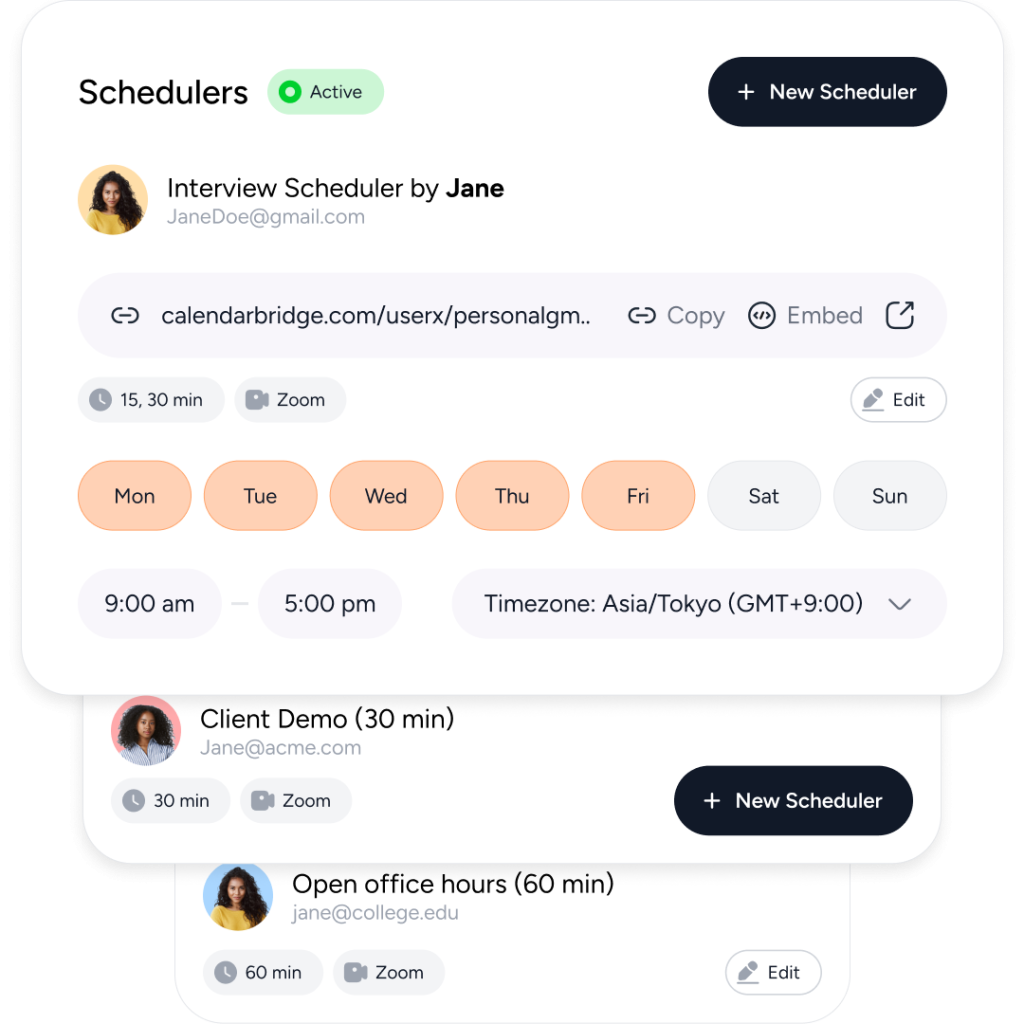
Connect your Stripe account, choose an amount and currency, and decide how cancellations affect refunds.
Set different prices for different appointment types, whether you’re offering consultations, coaching sessions, or private lessons. Configure cancellation policies, including refunds and cancellation fees, to fit the way you run your business.
Payments Go Directly to You
Connect your own Stripe account to receive payments. CalendarBridge takes no percentage of your booking revenue. Standard Stripe processing fees apply.
Keep Clients Informed Automatically
Send meeting reminders and a follow-up email through Scheduler workflows, reducing the messages you need to send yourself.
Turn Your Expertise Into Paid Appointments
Whether you offer professional advice, ongoing coaching, or private instruction, make it easy for clients to book your time and pay before you meet.
Consultants and Advisors
Charge for strategy sessions, expert advice, and client consultations. Let clients choose a time and pay upfront, so you can focus on their questions instead of following up on invoices.
Coaches and Mentors
Accept payment for career coaching, business mentoring, and personal development sessions. Give clients a simple way to book their next conversation and arrive ready to get started.
Tutors and Instructors
Collect payment for private lessons, tutoring, and individual training sessions designed just for them. Set prices for different session lengths and let students book and pay through one convenient link.
Privacy and Security Come First
With CalendarBridge, you stay in full control of your calendar and personal data.
We never store, analyze, or sell your calendar data to anyone.
We only request bare-minimum calendar permissions, never your email or files.
SOC 2® verified and Microsoft 365 GCC High compatible for ultimate compliance.

GDPR Compliant
Including DPA

SOC 2® (Type 1 & 2)
Verified, 2026

HIPAA Compliant
Since 2022

Trust Center
Available on Request
- Trust is Everything
We are Trusted by Major Companies Across All Industries
For enterprise-grade security and account management tools, companies turn to CalendarBridge.
What Cross-Company Scheduling Looks Like in Practice

5.0

My assistants across several companies no longer need to talk to one another; they can simply see that time is blocked by another company

Alex
React Developer
5.0
Bankers I work with thought the AI assistant was a real person and complimented how well it coordinated across time zones.
Gianna
Technology Sales Consultant

5.0
CalendarBridge gives customers visibility into my availability without leaking confidential information about how I am spending that time.
William
Solutions Engineer, Tech
- Get help
FAQs About Our Payments for Booking Tools
Quick answers to the most common questions. Need more help? Check out our help site.
Connect your Stripe account to CalendarBridge and add a price to your scheduling link. Clients choose a time and complete payment through Stripe before the meeting is added to your calendar.
Yes. You’ll need to connect a Stripe account that is approved to accept payments. Payments go directly to your account.
Yes. You can set a separate price for each meeting length offered on a scheduling link, such as a 30-minute consultation or a 60-minute coaching session.
Yes. Payments are optional for each scheduling link, so you can offer free introductory calls alongside paid consultations, lessons, or coaching sessions.
If a client cancels, CalendarBridge automatically applies your selected refund policy: always refund, never refund, or refund before a cutoff you choose. If you cancel, the client receives a full refund.
No. CalendarBridge takes no percentage of your booking revenue. Stripe’s standard payment processing fees apply.
Available payment methods depend on your Stripe account settings and country. You manage these options in your Stripe dashboard.