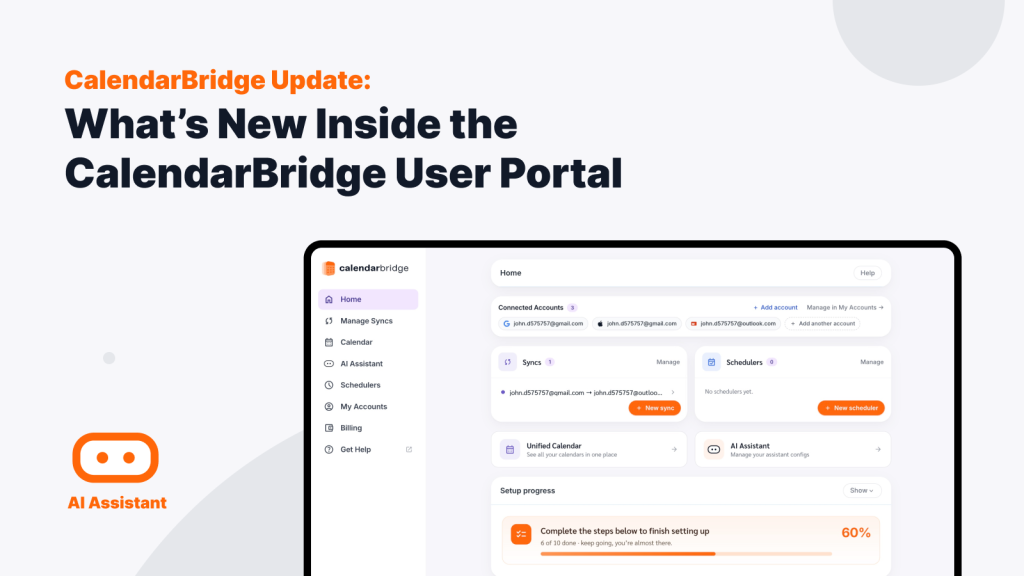
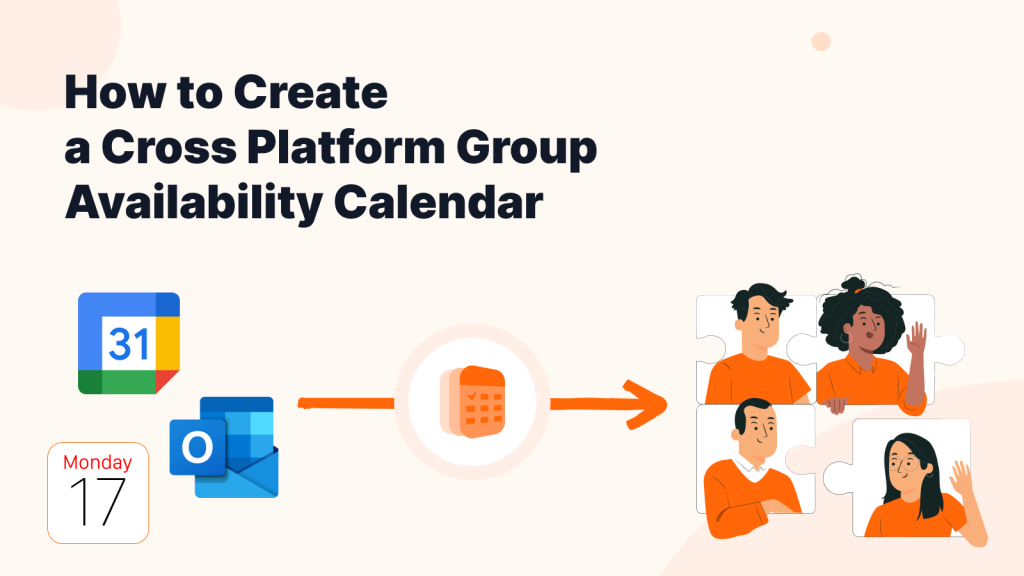
Unified Calendar View from CalendarBridge
Every Calendar, One Unified View.
No Credit Card Required.






- Unified View
Complete Visibility, Zero Delays
Access all your connected schedules in one seamless view on web or mobile. Toggle individual layers on or off to check your true availability, with any change on your source calendars appearing in your unified view in real time.
- Detect Conflicts
Find and Resolve Calendar Conflicts
Viewing all your calendars together gives you a complete picture of your daily workload. Overlapping commitments and double bookings are clearly visible, helping you understand your actual capacity and prevent scheduling issues.
- Filter Duplicates
Hide Duplicate Events
Hide clone events created by your CalendarBridge sync connections with a single click. Keep your background sync active to protect your availability across accounts, while keeping your unified calendar display clean and distraction-free.
- Calendar Management
Manage Your Schedule From One Place
Edit events across any account without switching apps, with updates pushing back to your source calendar automatically. Review invitations from all connected accounts in one place, and join video meetings instantly without dealing with multi-account logins.
- Trust is Everything
We are Trusted by Major Companies Across All Industries
For enterprise-grade security and account management tools, companies turn to CalendarBridge.

Stop the Multi-Calendar Chaos
Spend less time managing your calendars and more time getting things done.
Privacy and Security Come First
With CalendarBridge, you stay in full control of your calendar and personal data.
We never store, analyze, or sell your calendar data to anyone.
We only request bare-minimum calendar permissions, never your email or files.
SOC 2® verified and Microsoft 365 GCC High compatible for ultimate compliance.

GDPR Compliant
Including DPA

SOC 2® (Type 1 & 2)
Verified, 2026

HIPAA Compliant
Since 2022

Trust Center
Available on Request
Individuals & Small Businesses

Core Use Case: Stop Switching Between Calendar Accounts
Switching between work, client, and personal accounts drains your focus. It leads to missed invites, lost time, and last-minute login headaches right when a meeting is starting.
Bring all your Google, Microsoft, and iCloud accounts into one central workspace.
You get a complete view of your entire day without juggling separate logins or copying events manually.
By eliminating tenant logins and app switching, freelancers, consultants, and teams save hours every week – keeping meetings running on schedule and freeing up time for high-value work.
Individuals & Freelancers
Balancing a job, personal commitments, and freelance projects shouldn’t require constantly switching apps. Overlay all your calendars into one clean view so you can stay on top of your schedule without exposing private details to employers or clients.
Small Businesses & Teams
Boost productivity and streamline multi-account operations. View aggregated free and busy availability for colleagues with complete detail anonymization to coordinate work faster, reduce delayed meeting starts, and protect client relationships.
Organizations
Client-Facing Teams
Give teams a complete view of availability across calendars so they can coordinate meetings, respond faster, and deliver better customer experiences.
Project & Operations Teams
Keep projects on track by making it easier to manage overlapping schedules, deadlines, and team commitments.
Leadership & Executive Teams
Simplify calendar management across multiple accounts while maintaining control over privacy and access.
Core Use Case: Give Teams a Complete View of Their Calendars
Organizations often manage schedules across multiple calendars, accounts, and platforms. CalendarBridge Unified Calendar gives teams a centralized view of their schedules while maintaining the privacy and security controls organizations need.
Bring Google Calendar, Microsoft 365, Outlook, Apple Calendar, and other calendars together in one view. Help teams see availability, identify conflicts, and manage commitments without switching between accounts or exposing unnecessary calendar details.
With secure calendar connections, privacy controls, and enterprise-ready security features, CalendarBridge helps organizations improve coordination, reduce scheduling errors, and keep work moving
Improve Team Coordination
Reduce Scheduling Errors
Keep Projects Moving
Protect Calendar Privacy
We Love Our Users and They Love Us
Read why users love the Unified Calendar from CalendarBridge.

5.0

Before using the unified calendar, I had to open three different calendars just to understand my day. Now I can see everything in one place and know what is coming next without switching between accounts.

Kimberly H
CEO, SMM Agency

5.0
CalendarBridge makes it much easier to see where my time is going. Instead of bouncing between Google and Outlook, I can review my full schedule in one view and avoid missing important conflicts.
Anthony B
Director, IT Support Team
5.0
I use separate calendars for work, clients, and personal commitments. Unified Calendar gives me one clean view of my schedule, so I can plan my day without wondering which calendar I forgot to check.
Abigail R
Lead Automation Office
- Get help
Unified Calendar FAQs
Quick answers to the most common questions. Need more help? Check out our help site.
A Unified Calendar gives you one place to view events from multiple calendars. Instead of switching between Google Calendar, Outlook, Microsoft 365, iCloud, and other calendar accounts, you can see your schedule together in one organized view.
CalendarBridge’s Unified Calendar helps you see events from connected calendars in one place, so you can understand your real availability without opening each calendar separately. This is especially helpful when your work, personal, client, or organization calendars are spread across different platforms.
No. Unified Calendar and calendar sync are related, but they are not the same thing. Calendar sync helps keep availability or event information aligned between calendars. Unified Calendar gives you a single view of those calendars so you can review your schedule more easily.
Yes. CalendarBridge is built for people who work across major calendar platforms, including Google Calendar, Outlook, Microsoft 365, and iCloud. Unified Calendar helps bring those connected calendars into a cleaner view.
CalendarBridge is designed with privacy in mind. Depending on how your calendars and sync rules are configured, you can protect private meeting details while still using CalendarBridge to keep availability accurate across accounts.
Unified Calendar is useful for consultants, fractional executives, executives, founders, sales teams, recruiters, executive assistants, and anyone else who manages more than one calendar. It is especially helpful when your schedule is split across work, personal, client, or separate organization accounts.
For many schedule review tasks, yes. Unified Calendar helps reduce the need to jump between different calendar apps just to understand what is happening across your day. You may still use your original calendar apps for certain account-specific actions, but Unified Calendar gives you a clearer starting point.
Checking each calendar manually takes time and increases the risk of missing a conflict. CalendarBridge helps bring your calendar information together so you can spend less time managing separate schedules and more time getting work done.
Learn More with These Helpful Articles
Get more from CalendarBridge Unified Calendar