How Program Managers Can Reduce Decision Latency in Cross-Functional Programs
Program managers reduce scheduling delays in cross-functional decisions by shortening the time between “we need a decision” and “the right people are together to make it.”
Program managers reduce scheduling delays in cross-functional decisions by shortening the time between “we need a decision” and “the right people are together to make it.”
CalendarBridge can help release managers coordinate meetings before, during, and after go-live by keeping availability accurate across separate calendars and reducing the back-and-forth required to get the right people together.
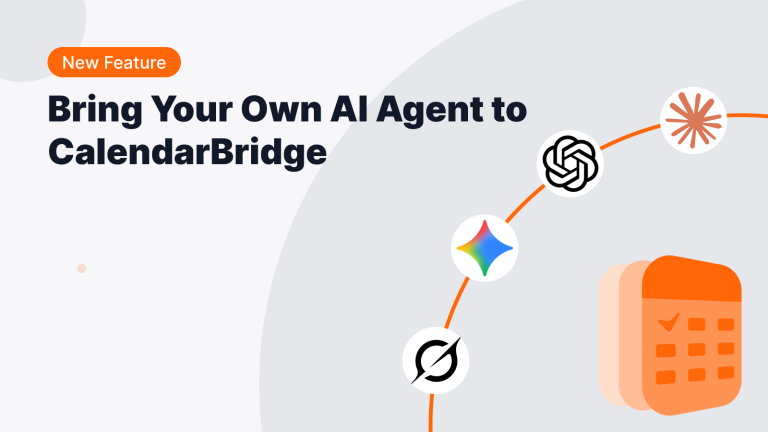
If you work in ChatGPT, Claude, Claude Code, Codex, Cursor, Manus, or another MCP-compatible AI tool, you can keep working there. Your agent can use the CalendarBridge capabilities you give it permission to access.
In this article, we’ll compare Calendly Callie and the CalendarBridge AI Scheduling Assistant to help you understand those differences and decide which one is right for you.
PMOs coordinating cross-company transformation teams can use AI scheduling to reduce calendar checking, follow-ups, and rescheduling during onboarding. See how CalendarBridge helps teams synchronize availability, protect private meeting details, and move new participants through role-specific onboarding paths.
Booking links are useful, but they can feel too transactional for high-value sales conversations. Learn how CalendarBridge’s AI Scheduling Assistant helps sales teams keep scheduling personal without manually managing every reply.

Looking for a Clockwise alternative without switching to Reclaim? CalendarBridge keeps your calendars in sync across Google, Outlook, and iPhone with real-time updates and simple AI assistance.

Scheduling meetings and managing deadlines can quietly consume hours of your week. In this guide, I explain how I use the CalendarBridge AI Scheduling Assistant to delegate calendar coordination, automate meeting setup, and remove the constant administrative burden of managing a busy business calendar.

Most people are overwhelmed by notifications, not short on them. In this guide, I show you how to automate scheduling reminders with the CalendarBridge AI Assistant so you can reduce workload, stay consistent, and look more professional without adding friction to your day.