Calendly Callie vs. CalendarBridge AI Scheduling Assistant
In this article, we’ll compare Calendly Callie and the CalendarBridge AI Scheduling Assistant to help you understand those differences and decide which one is right for you.
In this article, we’ll compare Calendly Callie and the CalendarBridge AI Scheduling Assistant to help you understand those differences and decide which one is right for you.
PMOs coordinating cross-company transformation teams can use AI scheduling to reduce calendar checking, follow-ups, and rescheduling during onboarding. See how CalendarBridge helps teams synchronize availability, protect private meeting details, and move new participants through role-specific onboarding paths.
Choosing a calendar sync tool is about more than connecting Google, Outlook, Microsoft 365, iCloud, or Exchange calendars. Use these 10 questions to evaluate compatibility, privacy, sync speed, security, pricing, duplicate prevention, and long-term reliability before trusting a tool with your availability.

Double-booking usually happens when your calendars do not share the full picture of your availability. Learn why separate Google, Outlook, Microsoft 365, iCloud, and client calendars create scheduling conflicts, and how CalendarBridge helps prevent them with near real-time two-way calendar sync.

CalendarBridge supports Microsoft 365 GCC High, giving government contractors, regulated teams, and embedded consultants a secure way to sync calendar availability across separate Microsoft environments without exposing sensitive meeting details.

We’ve rolled out a number of updates across CalendarBridge, including a redesigned customer portal, additional language support, new sign-in options, expanded payment methods, and self-service sign on (SSO) for organizations.
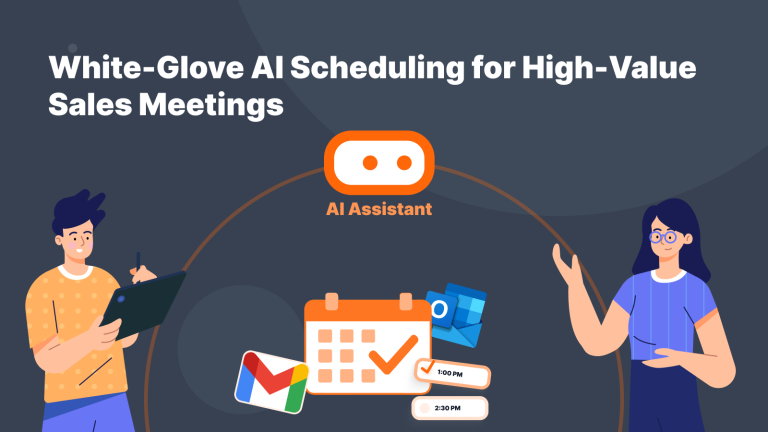
Booking links are useful, but they can feel too transactional for high-value sales conversations. Learn how CalendarBridge’s AI Scheduling Assistant helps sales teams keep scheduling personal without manually managing every reply.

Turn your LinkedIn profile into a meeting engine. Learn how to add your CalendarBridge scheduling link and make it easy for people to book time with you.

Syncing Google Calendar to Android is simple once you know where to look. In this step-by-step guide, learn how to install the app, connect your Google account, and turn on calendar sync so your events update automatically. We also cover what to do if your calendar is not syncing and